• AXWare Systems - Timing Is EVERYTHING!
  • AXWare Systems - Competition Timing Systems!
  • AXWare Systems - Timing Is EVERYTHING!
  • AXWare Systems - Competition Timing Systems!
  • AXWare Systems - Timing Is EVERYTHING!
  • AXWare Systems - Competition Timing Systems!
  • AXWare Systems - Timing Is EVERYTHING!

AXWareRollRacing - Speed Trap Demo

The following demo is provided as a sample of the AXWareRollRacing software.

Demo Instructions

The demo will remain active for a 14 day demo period, from the day you first start the application.

  1. Click Here to Download AXWareRacing
  2. Unzip the contents into a temporary directory (ex: C:\warefiles).
  3. Run the Setup.exe found in the root of the image (in this case from C:\axwarefiles), and follow the instructions on the install screens.
  4. Start the program by selecting desktop icon or start the program from the Windows Start Menu tab (AXWare Systems\AXWareRollRacing).
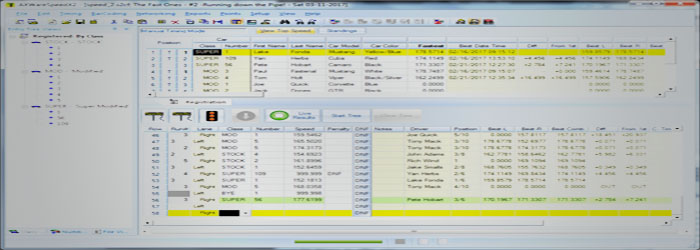
  5. Load the Sample data set using File/Open to review the software.
  6. For Help, press F1 from anywhere in the application to access the Context Sensitive Help.
  7. Please refer to the Help Documentation for additional information.
  8. If you have any questions, please contact AXWare Systems.